Perguntas frequentes
O Omni Remote funciona com qualquer TV TCL?
Funciona com modelos TCL que rodam Android TV ou Google TV — a maioria dos modelos vendidos no Brasil desde 2019. Para TVs TCL Roku, a compatibilidade é parcial; recomendamos testar nos 3 dias gratuitos antes de assinar.
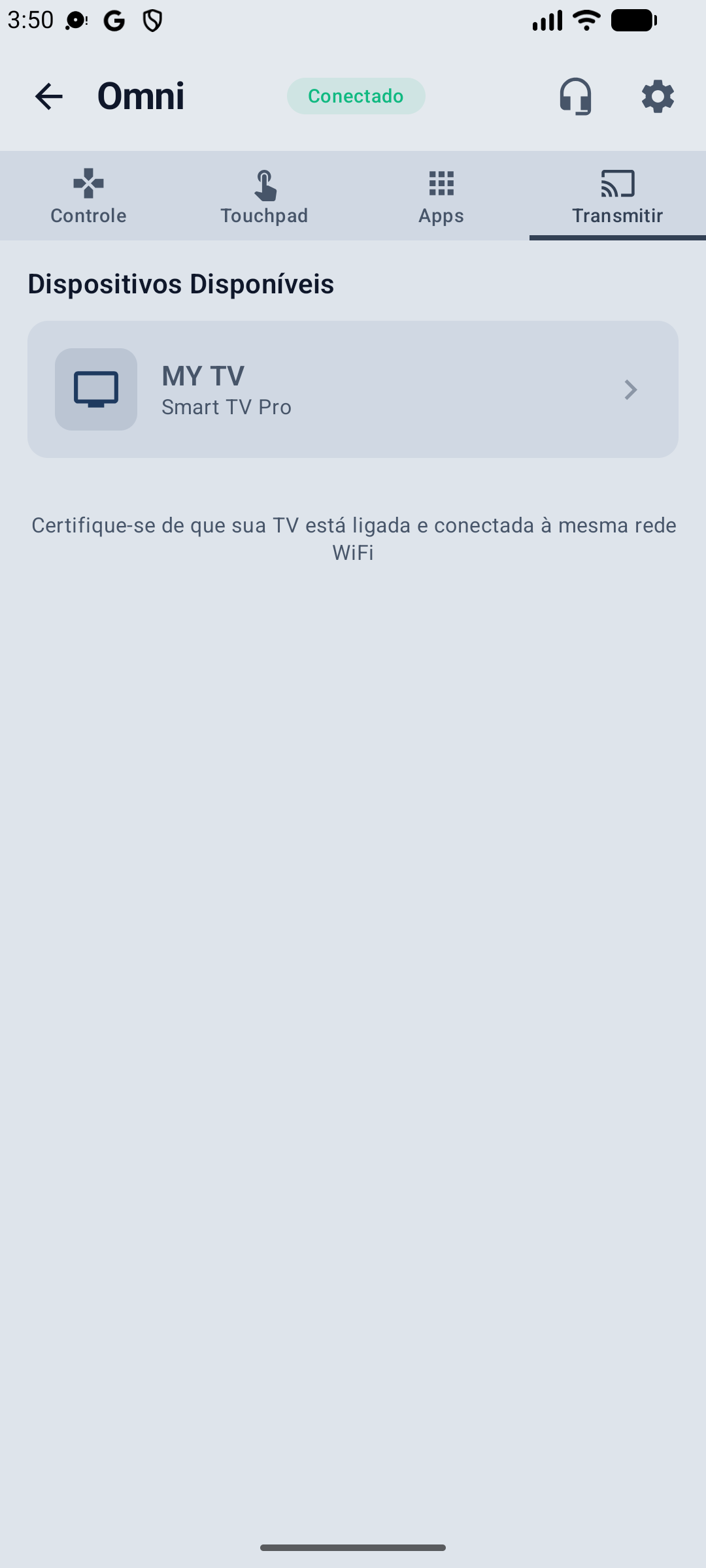
Preciso estar na mesma rede Wi-Fi da TV?
Para o controle via Wi-Fi, sim. Caso a TV não esteja conectada na mesma rede, o app também funciona via Bluetooth como alternativa (modo HID), bastando parear normalmente.
O app tem anúncios?
Não. O Omni Remote é 100% livre de anúncios, tanto na versão gratuita quanto na premium.
Como faço o pareamento na primeira vez?
Abra o app, escolha sua TV TCL na lista de dispositivos encontrados, e digite na TV o PIN de 6 dígitos que aparece na tela. Pronto — o pareamento fica salvo para os próximos usos.
É grátis?
Use todas as funcionalidades do app grátis por 3 dias via Google Play. Depois, escolha o plano que serve para você — mensal, anual ou compra única vitalícia.
Funciona se eu perdi ou quebrei meu controle?
Sim — esse é exatamente o caso de uso mais comum. Como o pareamento inicial usa um PIN exibido na tela da TV, você não precisa do controle físico para começar a usar o app, desde que a TV consiga ligar (botão físico, comando de voz ou outro controle).