Frequently asked questions
Does Omni Remote work with any TCL TV?
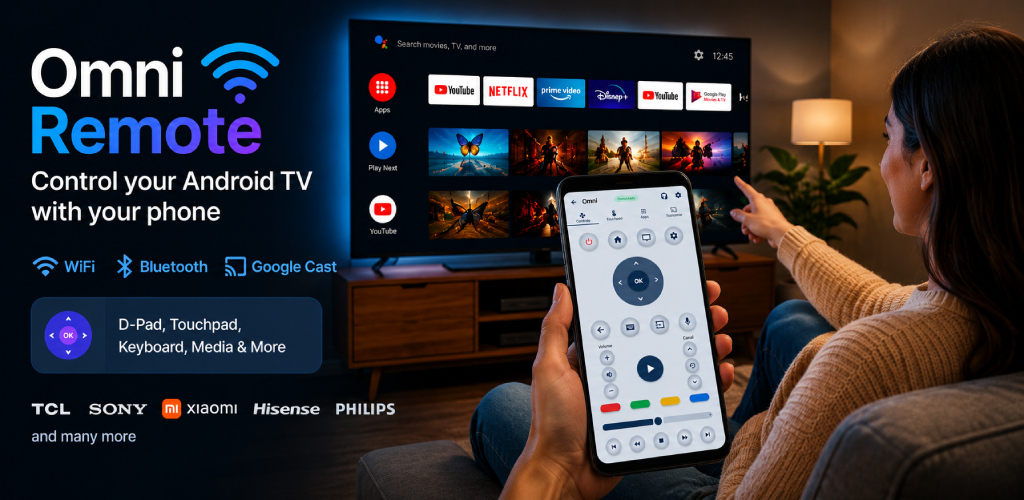
It works with TCL models running Android TV or Google TV — most models sold worldwide since 2019. For TCL Roku TVs, compatibility is partial; we recommend testing during the 3 free days before subscribing.
Do I need to be on the same Wi-Fi network as the TV?
For Wi-Fi control, yes. If the TV isn't on the same network, the app also works via Bluetooth as an alternative (HID mode), with normal pairing.
Does the app have ads?
No. Omni Remote is 100% ad-free, in both the free and premium versions.
How do I pair for the first time?
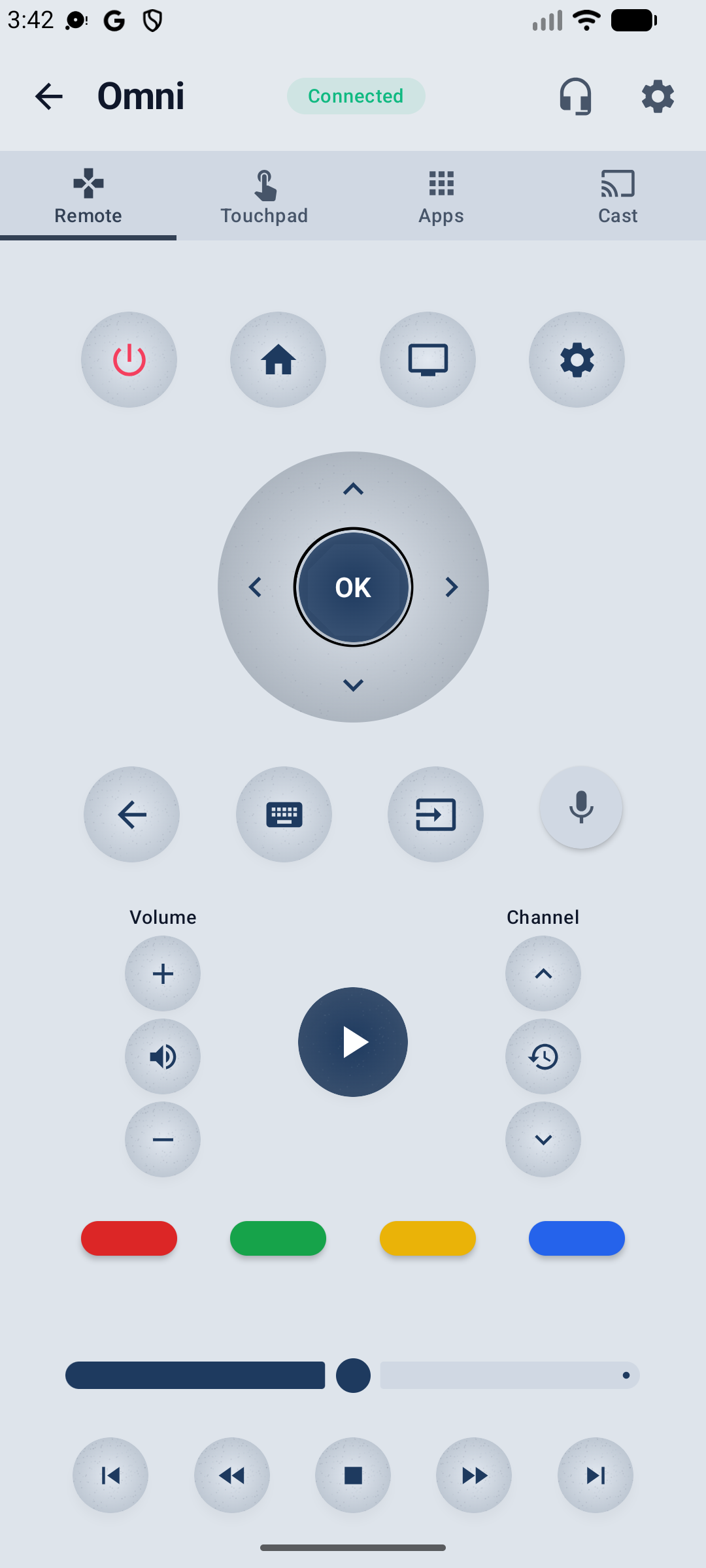
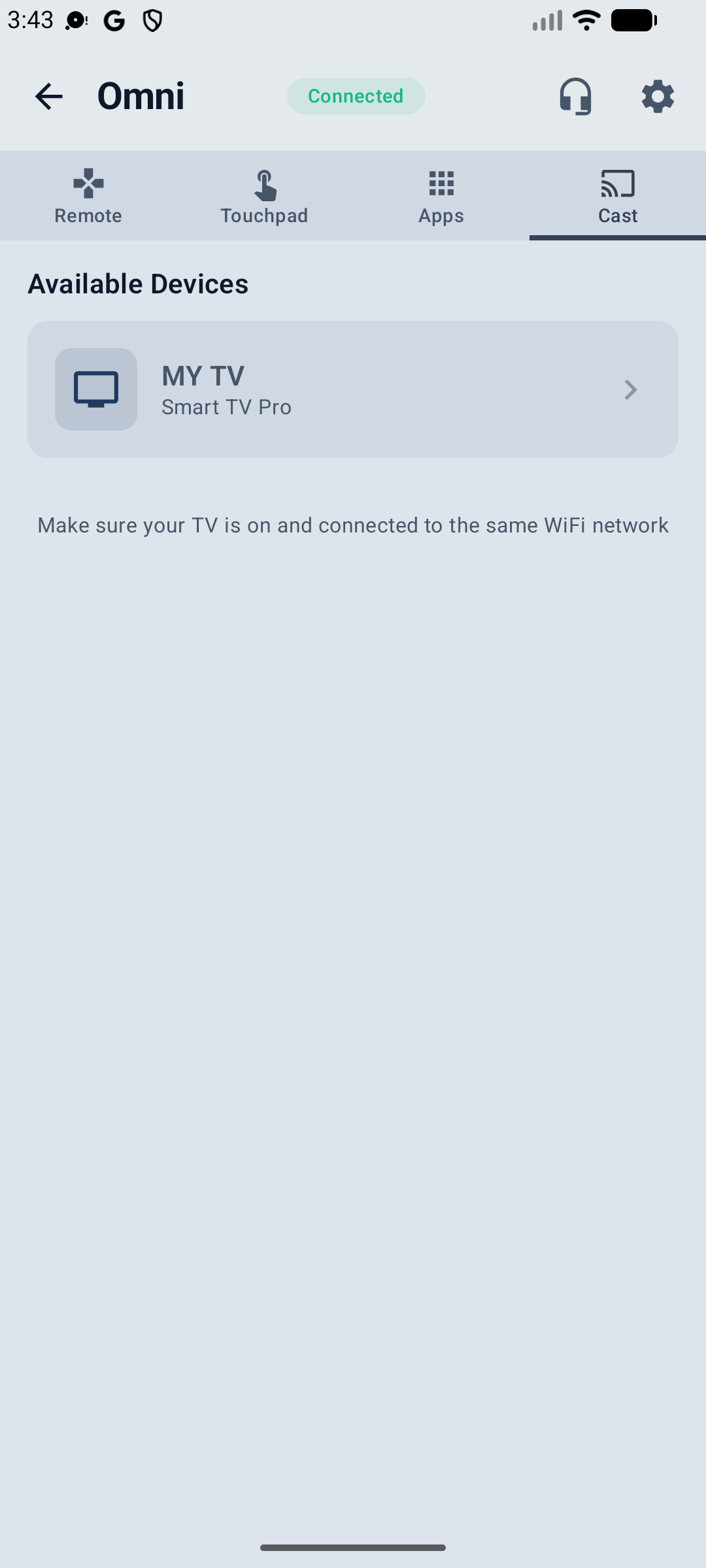
Open the app, pick your TCL TV from the list of detected devices, and type in the 6-digit PIN shown on the TV screen. Pairing is saved for future use.
Is it free?
Try all app features free for 3 days via Google Play. Then pick the plan that fits — monthly, yearly, or one-time lifetime purchase.
Does it work if I lost or broke my remote?
Yes — that's the most common use case. Since the initial pairing uses a PIN shown on the TV screen, you don't need the physical remote to start using the app, as long as the TV can be turned on (physical button, voice command, or another remote).