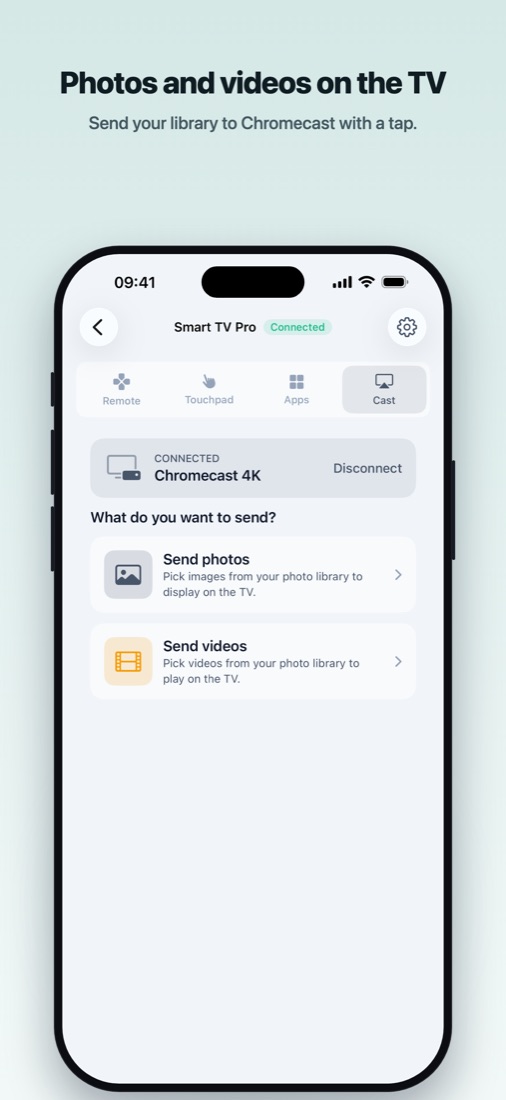
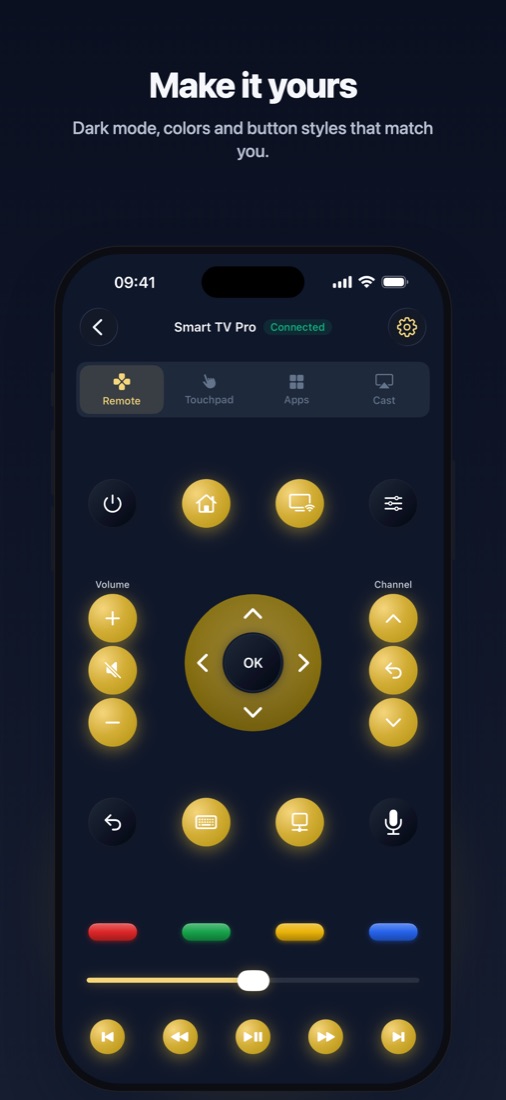
Lost the remote? Grab your iPhone. Omni finds your TV on the Wi‑Fi network, pairs with the PIN on the screen and becomes a complete remote: D-pad, touchpad, keyboard, voice, app shortcuts and photo & video casting. No ads, ever.
Built from scratch for iPhone, with the same features as the Android version and the same promise: useful, easy, ad‑free.
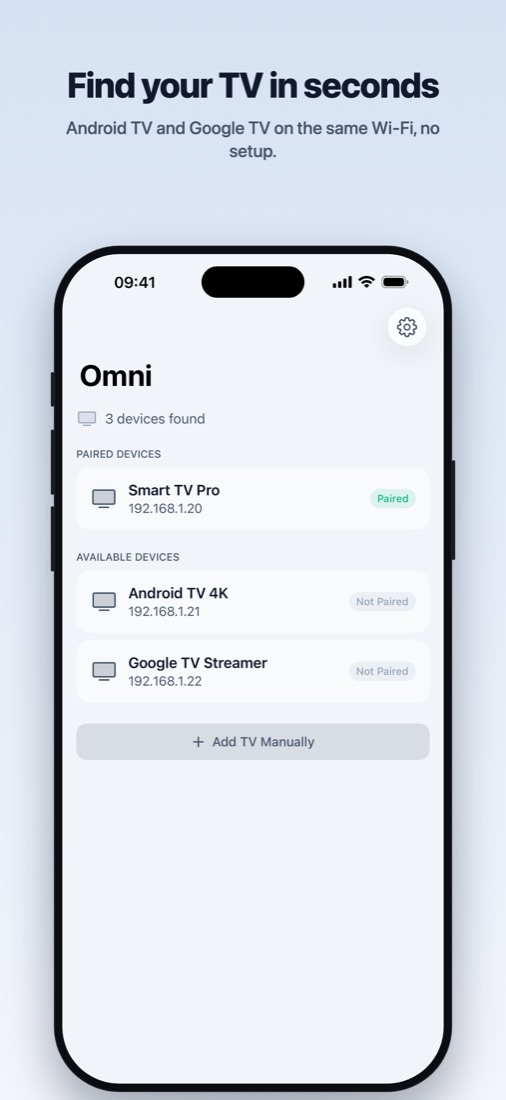
Automatic discovery on your Wi‑Fi. Pair once with the PIN shown on the TV and you are set.
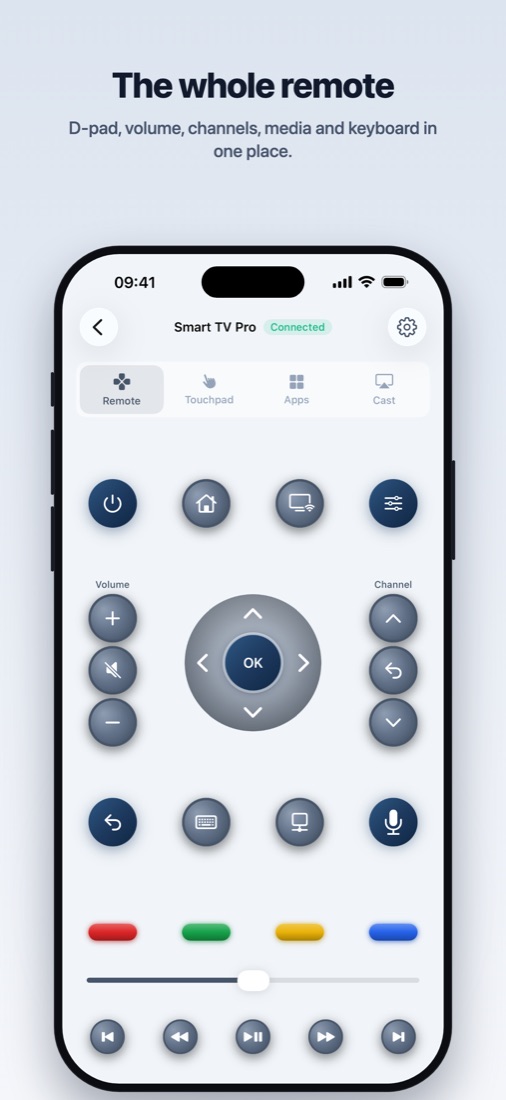
D-pad, volume, channels, media, colored keys and power. iPhone keyboard and voice to type on the TV.
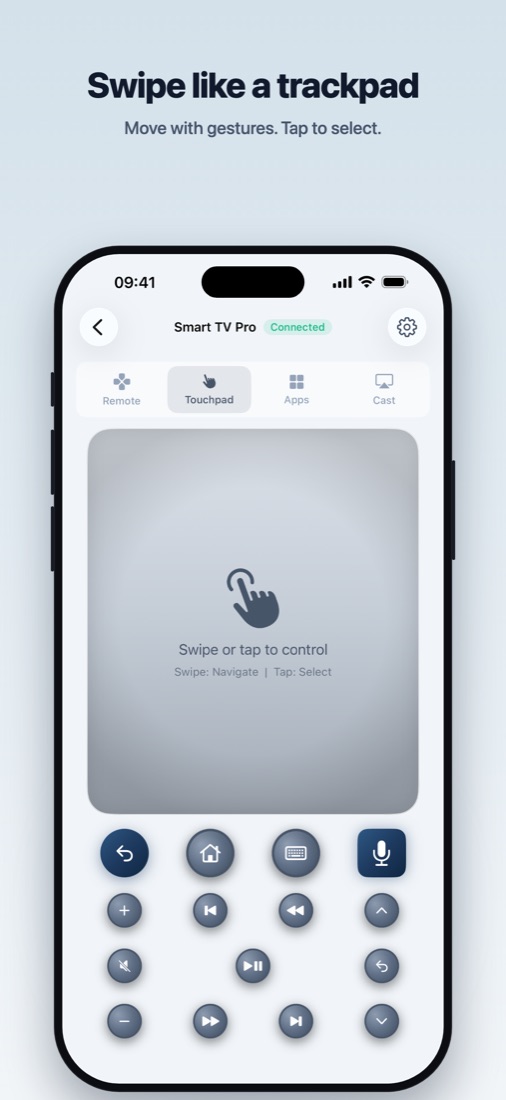
Swipe to move, tap to select. No more arrow-key marathons.
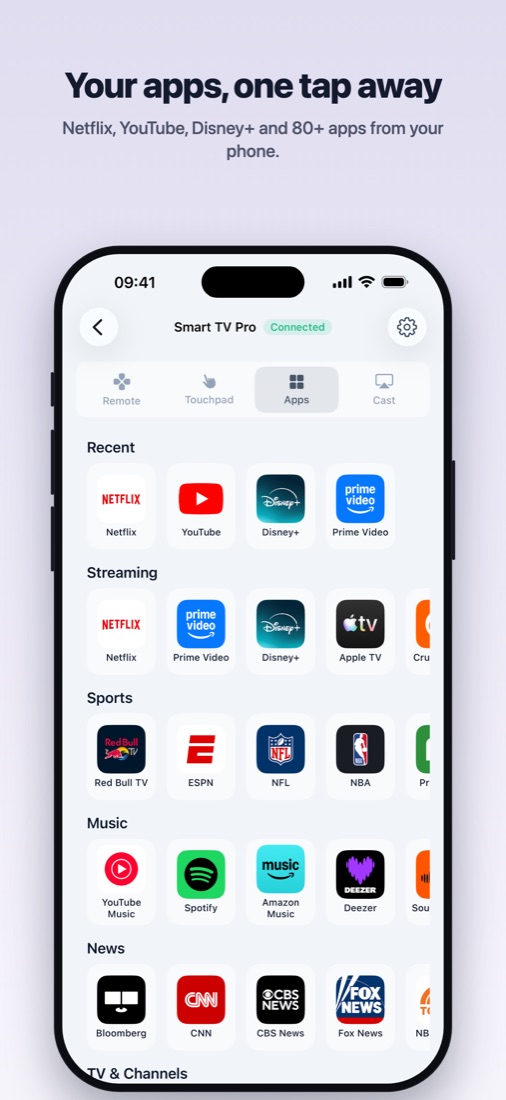
Netflix, YouTube, Disney+, Prime Video, Spotify and 80+ apps, recents on top.
Send your library to a Chromecast or Google TV and browse it like a slideshow.
No ads, no analytics, no account. Nothing leaves your iPhone but the commands to your TV.
No sign-up, no login, nothing to change on the TV.
Get it on the App Store. Free for 3 days, no strings attached.
Your Android TV or Google TV shows up in the list by itself.
A code appears on the TV screen. Enter it on your iPhone and the pairing is saved.
Six screens you will use every day.


Omni for iPhone has no account, no analytics and no ads. Everything it stores stays on your device. Purchases stay with Apple and commands go straight to your TV over your own network. Read the privacy policy →
With no annoying ads, the app lives only on subscriptions and lifetime licenses. That lets us focus on one thing: being useful and easy to use.
Renews monthly, cancel anytime.
Best value, with a 3-day free trial.
One-time payment. Yours forever.
Prices in your currency, shown in the app. Subscriptions renew automatically unless cancelled 24 hours before the end of the period, and are managed in your Apple Account settings.
Coming soon to the App Store. Meanwhile, the Android version is on Google Play today.